🧠 Introduction
When I first heard about the GitHub Student Developer Pack, I thought it was just another freebie.
But soon, I realized it’s a real treasure chest for students who want to learn coding, build projects, or start freelancing.
Imagine having access to ₹3–5 lakh worth of premium developer tools, cloud credits, domains, and AI assistants — all for free, just because you’re a student.
Sadly, many students don’t take it seriously. They either skip applying, get rejected due to silly mistakes, or never use it even after approval.
This blog aims to fix that and help you make the most out of it.
💡 What Is the GitHub Student Developer Pack?
The GitHub Student Developer Pack is an initiative by GitHub Education that gives verified students free access to premium tools used by professionals.
These include everything from coding assistants and hosting platforms to domain names and learning resources.
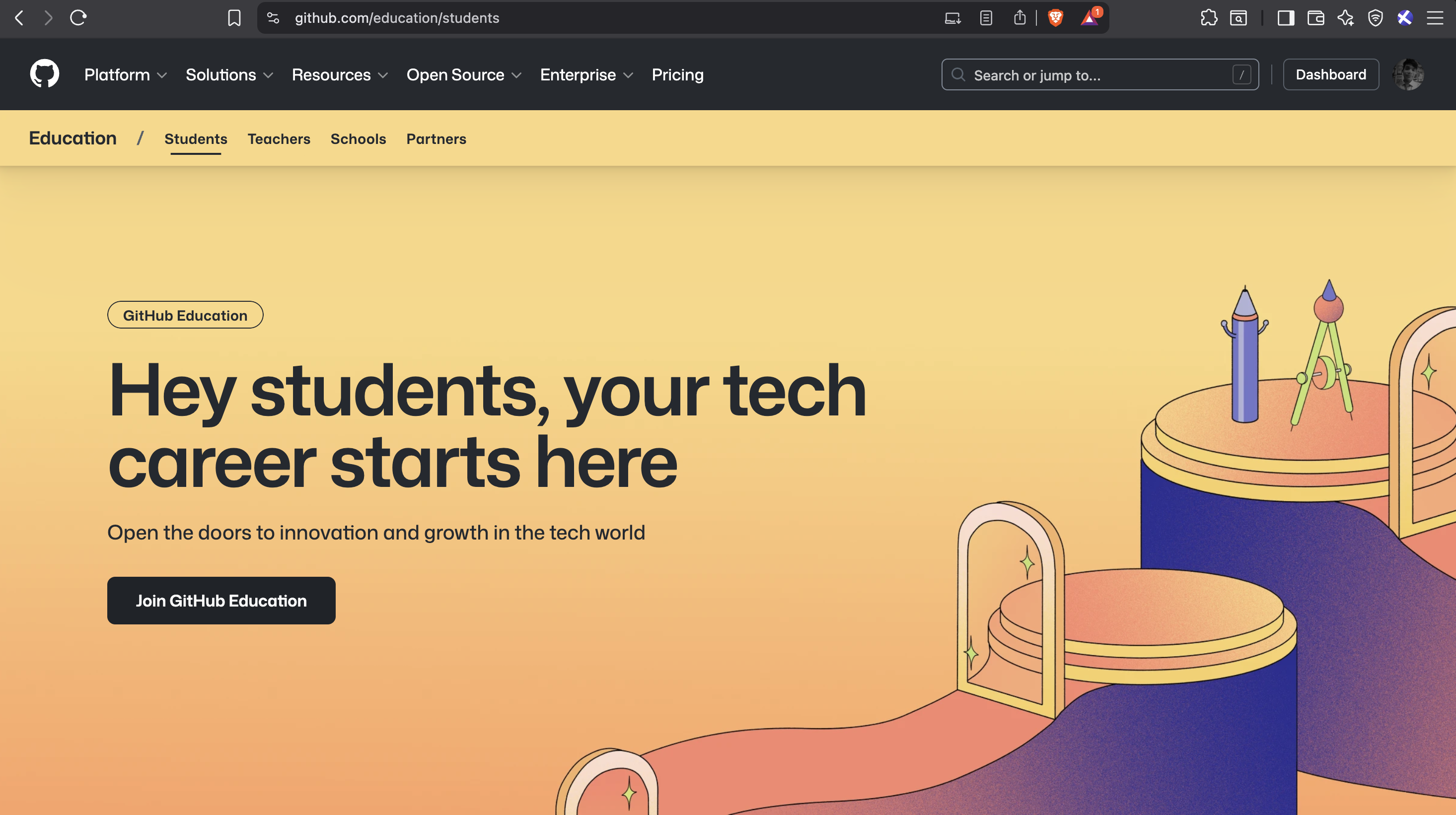
As you can see in this screenshot, GitHub lists all the free tools and services available once you sign in.
🎯 Why You Should Take It Seriously
Most students pay for tools that they could be using for free under this pack.
From GitHub Copilot to cloud credits and website domains — these resources can help you:
- Build real-world projects
- Host your apps online
- Learn DevOps and AI
- Launch personal or startup websites
So, don’t think of it as a “student perk.”
Think of it as your starter kit for a real-world tech career.
🧾 Eligibility and Requirements
To apply, you must be a college or university student with one of the following:
- 🎓 A valid student email (e.g.
yourname@college.edu) - 📄 Or official student proof — ID card, bonafide certificate, or fee receipt
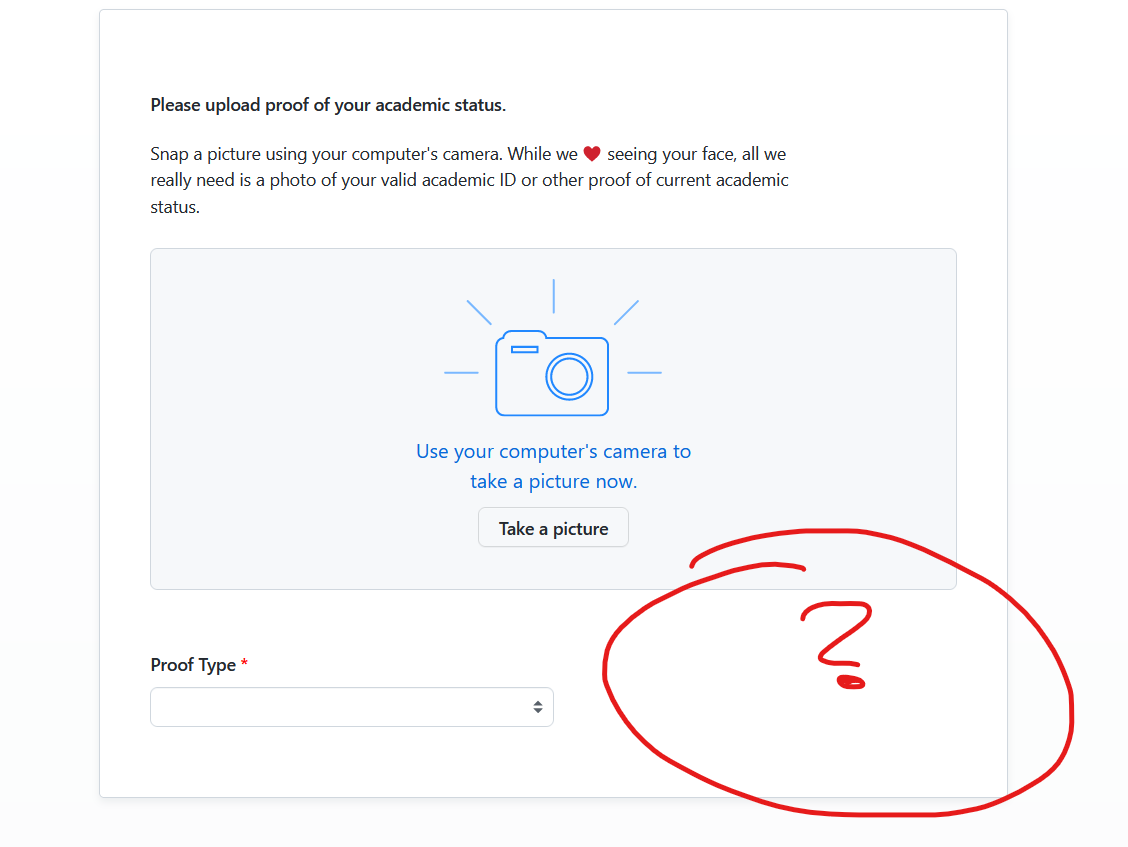
As shown above, GitHub lets you verify using either a college email or uploaded documents.
💡 Pro Tip:
Make sure your GitHub profile looks genuine — real name, photo, and at least one repository.
🪜 Step-by-Step Guide to Apply
Step 1: Go to GitHub Education
Visit education.github.com/pack and click “Get Student Benefits”.
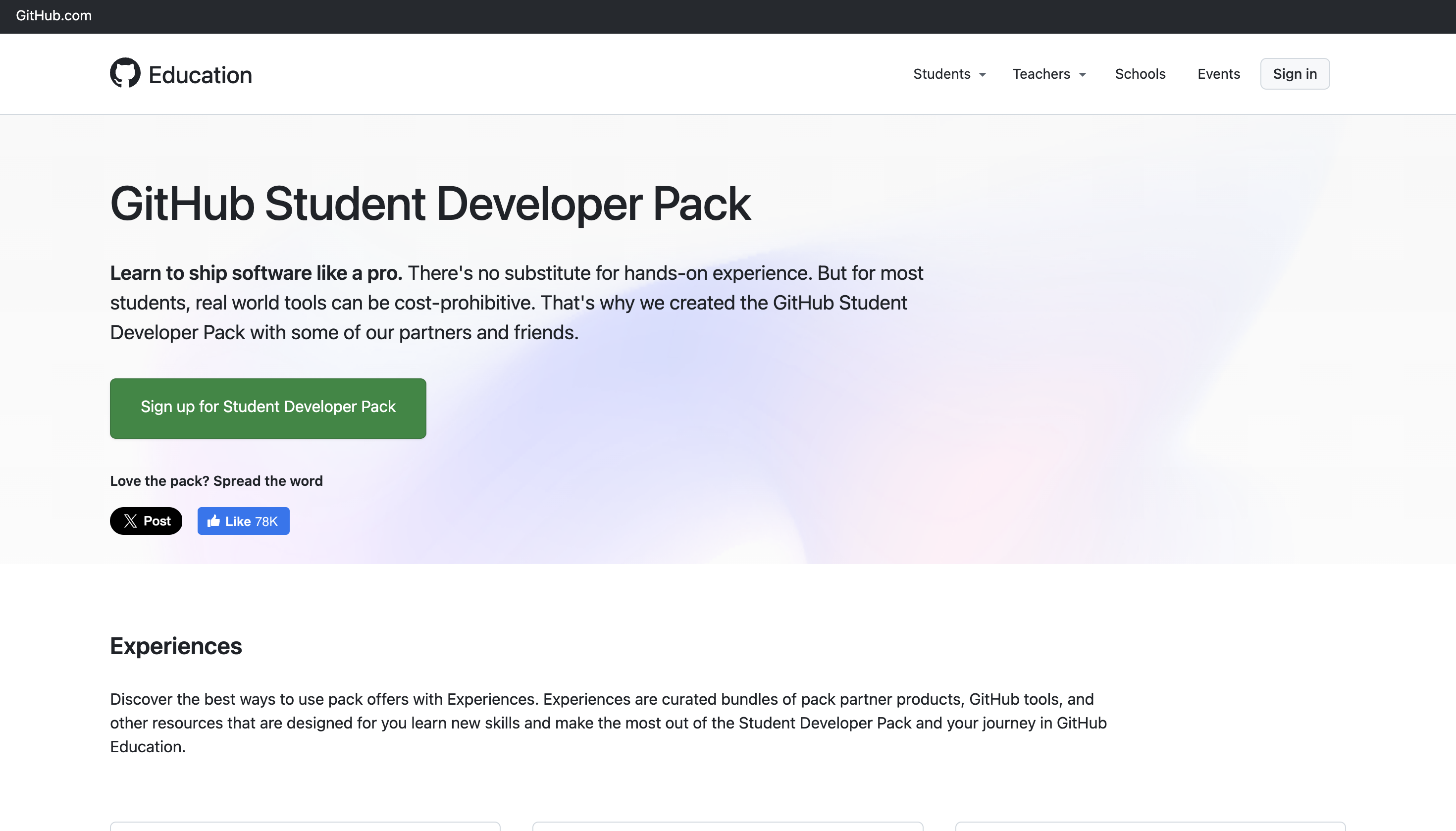
This is the button you’ll click to begin your application.
Step 2: Sign in with Your GitHub Account
Use your main account, not a newly made or fake one.
Step 3: Choose Verification Method
- College Email (Recommended): Verify via email link
- Document Upload: Upload ID card, bonafide, or admission letter
Step 4: Fill Details Carefully
Enter your exact college name, degree, and graduation year.
Step 5: Submit and Wait
Approval time:
- 📧 College email: few hours to 2 days
- 📄 Document upload: 3–14 days
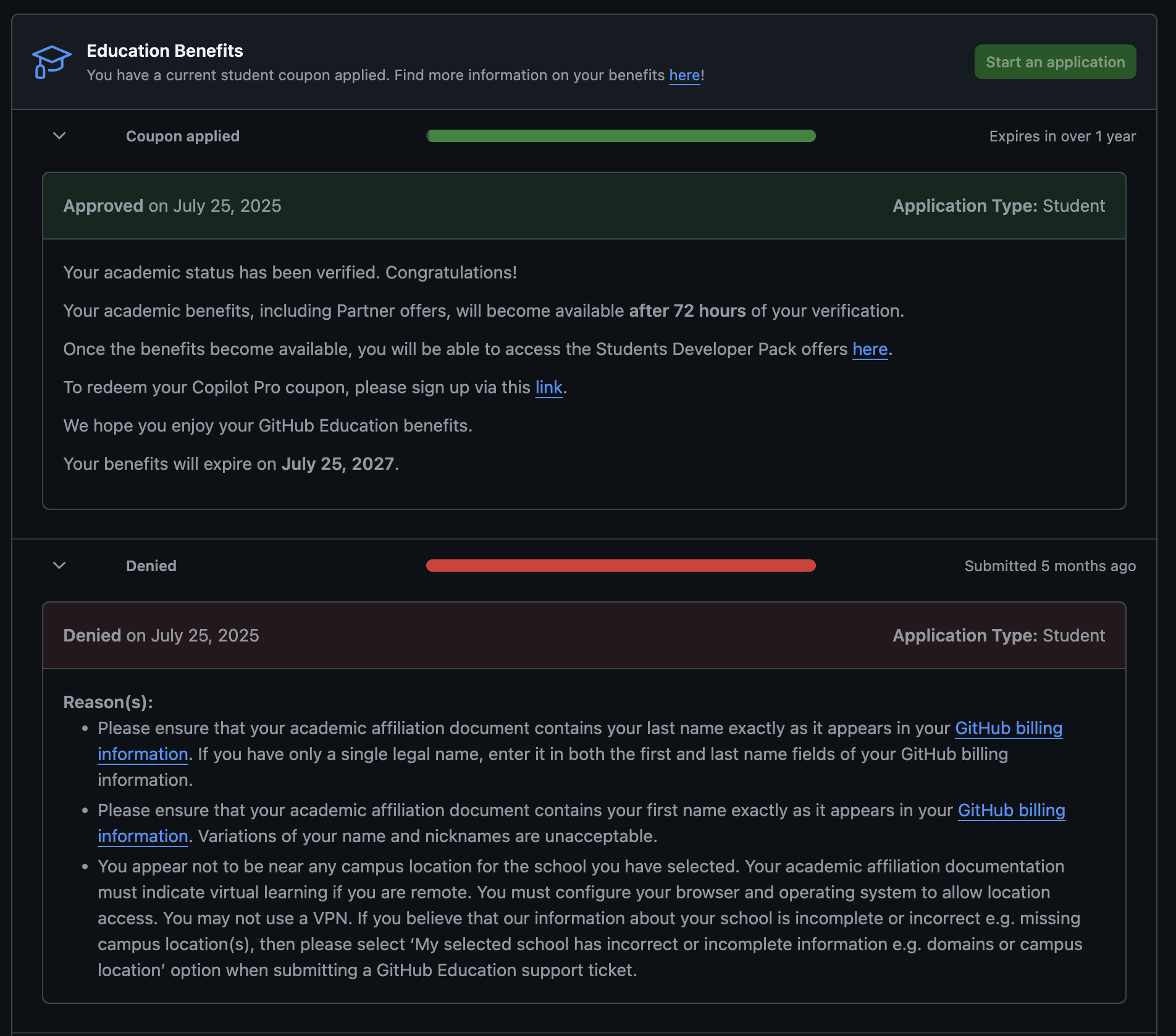
Once approved, you’ll receive a confirmation email like this.
⚠️ Common Mistakes to Avoid
- ❌ Blurry or fake documents
- ❌ Not added billing address and two step verification
- ❌ Mismatch between GitHub name and ID card
- ❌ Wrong graduation year
- ❌ Empty GitHub profile
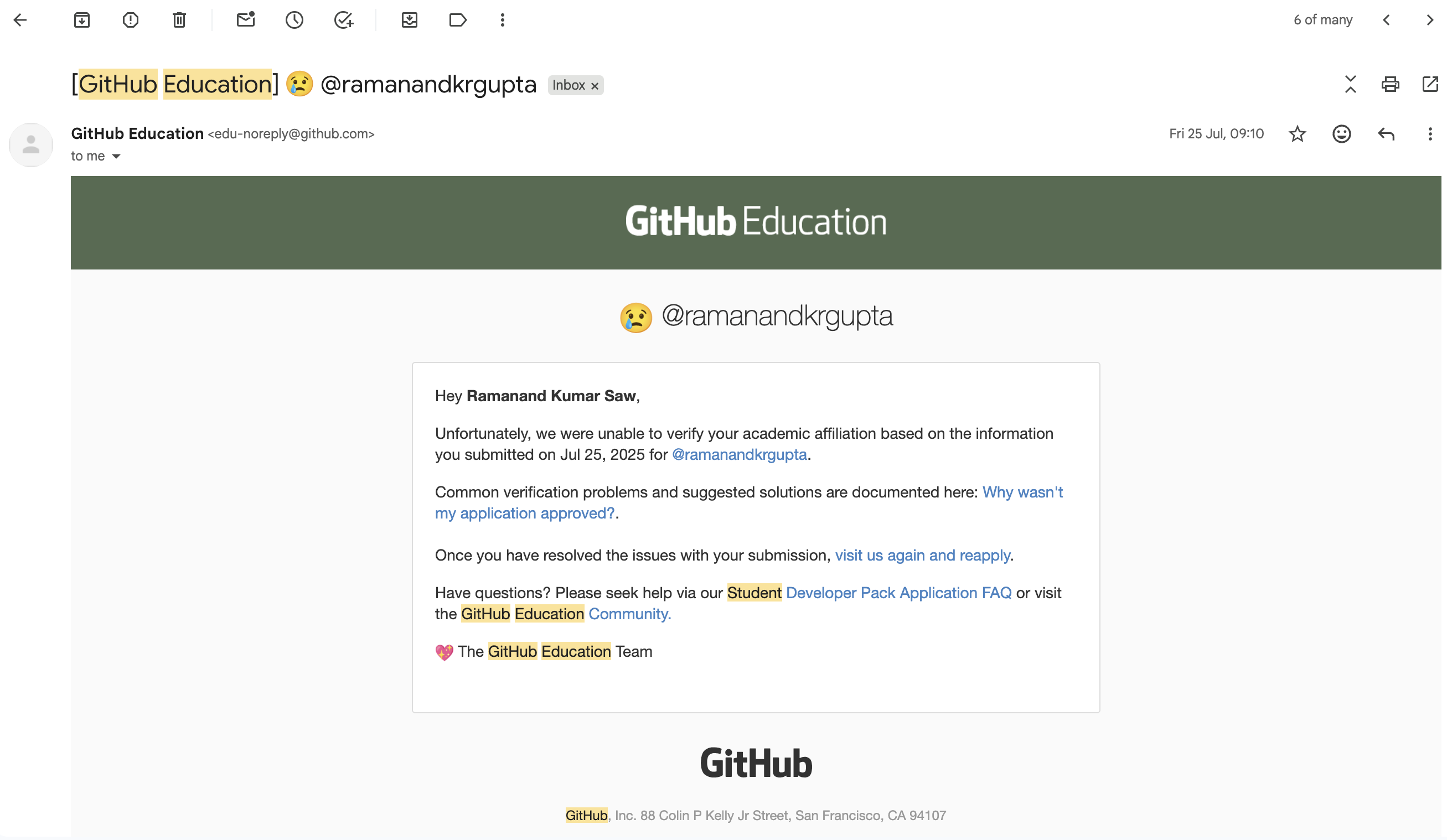
Incomplete or mismatched information often causes rejections like this one.
🎁 What You Get After Approval
Now that you’re verified, here’s what you’ll unlock:
1. GitHub Copilot (Free)
AI code assistant that helps you write, explain, and debug code.
It won’t replace learning — but it can double your productivity.
2. Free Domains (Namecheap)
You’ll get:
.medomain.techdomain (limited time)
Perfect for your portfolio, project, or startup.
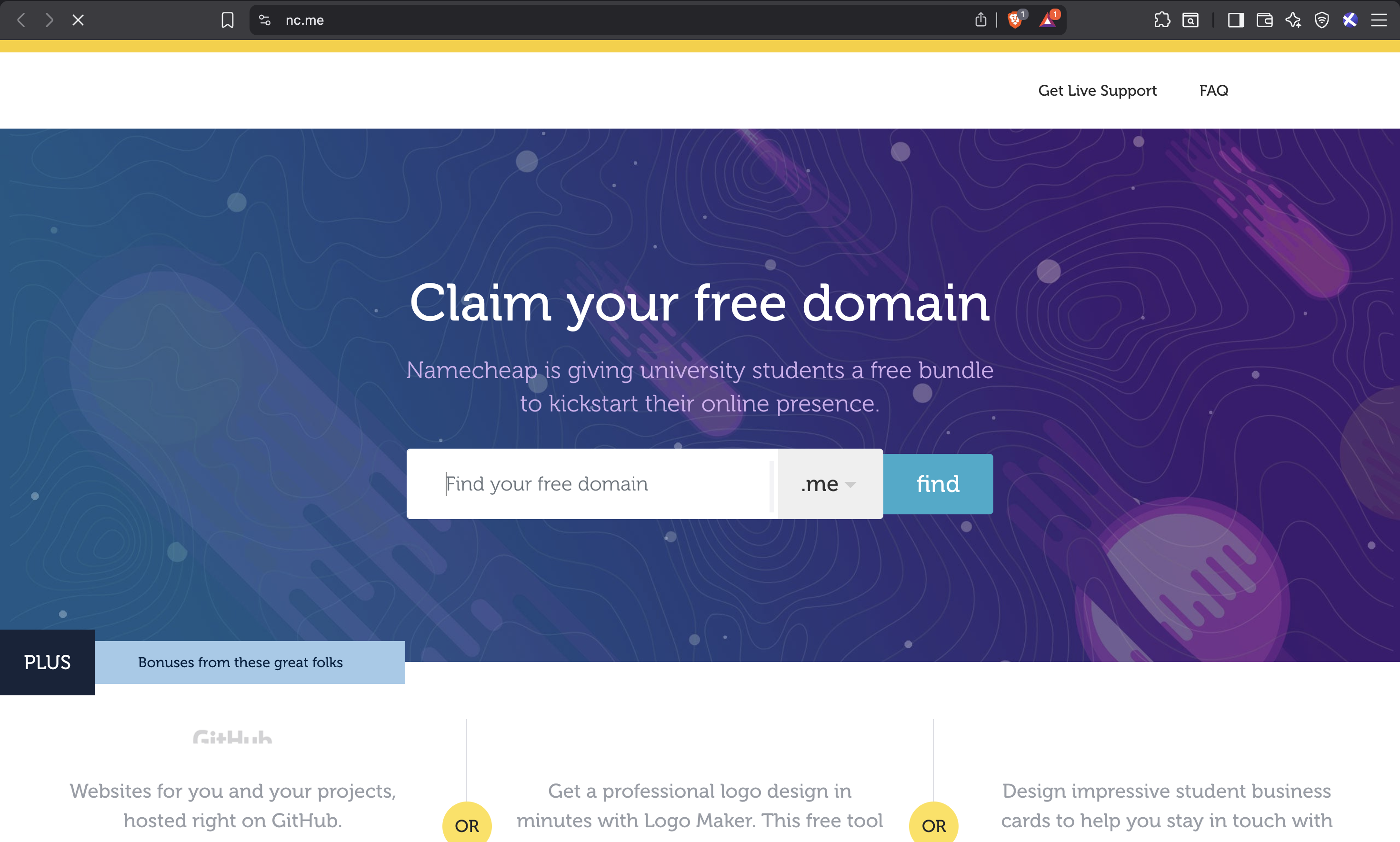
Claim your free domain easily and connect it with GitHub Pages.
3. Cloud Credits
Get free access to:
- DigitalOcean
- Microsoft Azure
- Other annual partners
Use these credits to host your projects or learn DevOps basics.
4. Developer Tools
You’ll gain access to tools for:
- Design
- Testing
- CI/CD
- Monitoring
These are the same tools used by real companies.
5. Learning Platforms
Free access to coding tutorials, practice environments, and courses to enhance your learning journey.
🧭 How to Use the Pack Smartly
For First-Year Students
- Learn Git & GitHub
- Build small projects
- Create your portfolio site using the free domain
For Second-Year Students
- Host your real projects
- Start contributing to open source
- Learn basics of cloud and DevOps
For Final-Year Students
- Build production-ready apps
- Use cloud credits efficiently
- Add GitHub links to your resume
Here’s how students use free domains and GitHub Pages for beautiful portfolio sites.
🚫 Golden Rules
- Don’t sell or share benefits
- Don’t upload fake IDs
- Don’t misuse credits
- Don’t rely only on Copilot
Breaking these rules can lead to permanent suspension.
💬 Final Thoughts
The GitHub Student Developer Pack isn’t just about free tools — it’s about gaining a professional edge.
If you use it wisely, you can build a strong portfolio, learn faster, and even land internships or freelance gigs.
So go ahead — apply today, stay honest, and start building your future one repo at a time.
Here’s a glimpse of your dashboard after approval, showing all available benefits.